A client portal for your accounting firm: what does it need to get right?
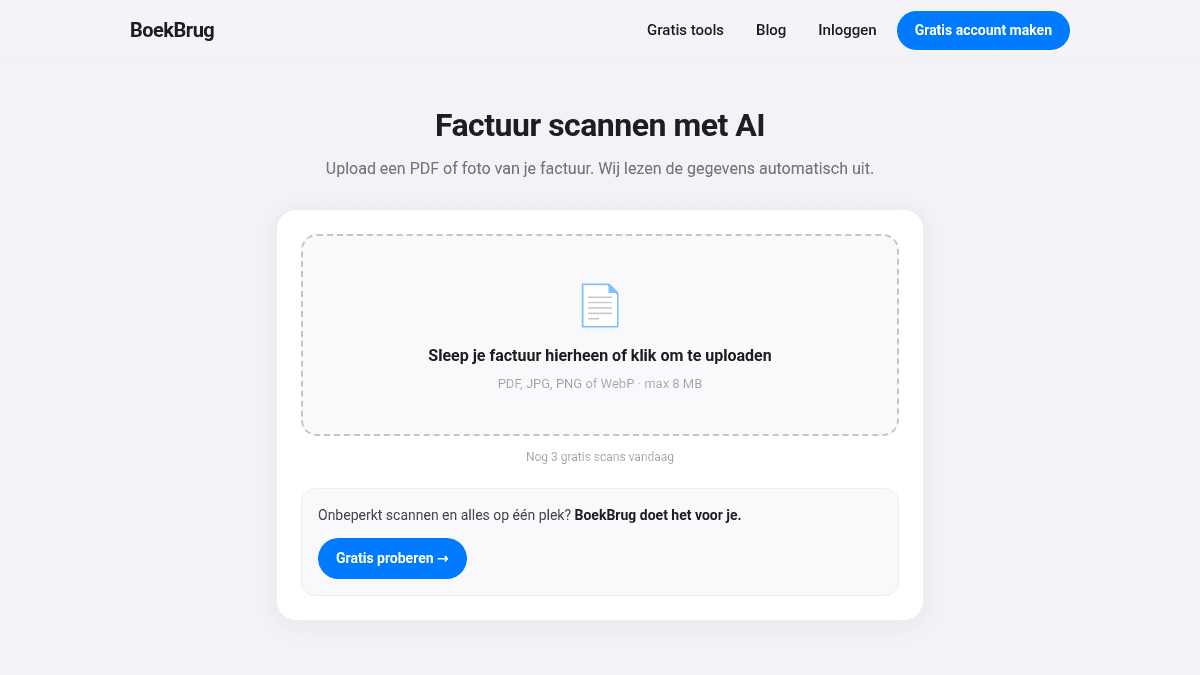
"We have a client portal" — almost every accounting firm can say that by now. And yet the records still come in by e-mail, WhatsApp and the occasional shoebox. That's because most portals are built for the firm, not for the client. A portal where your client has to log in to upload a PDF into the right folder is orderly for you and, for your client, a chore they postpone until you call.
The only yardstick: does your client use it unprompted?
A client portal has succeeded when the records arrive without you asking. Everything it needs follows from that one yardstick:
- Delivery must happen in the moment. The receipt gets scanned at the till or in the car, not three weeks later at home. So: phone, camera, done. An invoice that arrives by e-mail gets forwarded, not downloaded-and-uploaded.
- The app must give something back. A portal that only receives feels like homework. When clients create their own invoices in it, watch their VAT build up and know whether they're ready for the quarter, they open it without being asked.
- It must speak the client's language. Part of the small-business population in the Netherlands prefers working in English, Arabic or Turkish. A portal they don't understand, they don't use — and then you're back to e-mailing PDFs. (The firm-side screens remain Dutch.)
- Access must be arranged properly. No shared passwords, no logging in "as" the client. You request access, the client approves, and what you see is scoped to what an accountant needs.
What the portal must show on the firm side
For you, the portal isn't a letterbox but an overview:
- per client, the quarter's status: what's in, what's missing;
- questions to the client attached to the document they're about, not in a separate mail thread;
- a reminder that names exactly what's still missing — one click;
- and at the end, a package you can take with you: ordered records plus the figures, and per year an audit file (XAF) for your own software.
How BoekBrug fills this in
BoekBrug is exactly this: an app the small-business owner actually wants to use (creating invoices, scanning receipts that are read automatically — with a review step, because AI that books silently is a risk, not a feature), with a firm side attached. You request the mandate from your own screen, the client approves, and from that moment the werkboard shows you what's in per quarter and what's not. The app exists in four languages, so "my client doesn't get the portal" stops being the reason records arrive via WhatsApp.
What BoekBrug deliberately is not: a filing cabinet. Documents aren't the goal there — they're the source of figures. Every uploaded invoice is read, matched to the bank where possible, and counts toward the VAT preparation you review.
What to check with any vendor (including us)
- Ask what happens to a document the software doesn't understand. The honest answer is: it gets put in front of a human. Distrust "everything is automatic".
- Ask how you get back out. Your client data must be exportable in open formats (PDFs, CSV, UBL, XAF) — otherwise the portal is a trap.
- Ask what it costs as your client base grows. A per-firm price with tiers is predictable; a per-document price is not.
BoekBrug for accountants lists exactly what exists today and what doesn't yet — including the things we haven't gotten to.