Bookkeeping software for freelancers: what to look for (and start free)
Good bookkeeping software saves you hours a month and prevents mistakes. But there's a lot of choice. What should you look for as a freelancer? And can you start free? Here it is, simply.
What to look for in bookkeeping software
For most freelancers, these are the things that really matter:
- Make and send invoices — correct with the Dutch rules, with automatic numbering.
- Scan receipts — take a photo and have the details read automatically, so you don't retype.
- Quarterly VAT — your revenue and VAT added up automatically, so your return is nearly done.
- Your bank — upload your bank statement and have payments matched to your invoices.
- Work with your accountant — share records without emailing folders full of PDFs.
- Your data is yours — being able to export everything and delete your account (GDPR).
Don't just look at a long feature list, but at whether the software is simple enough that you actually use it.
Start free, no credit card
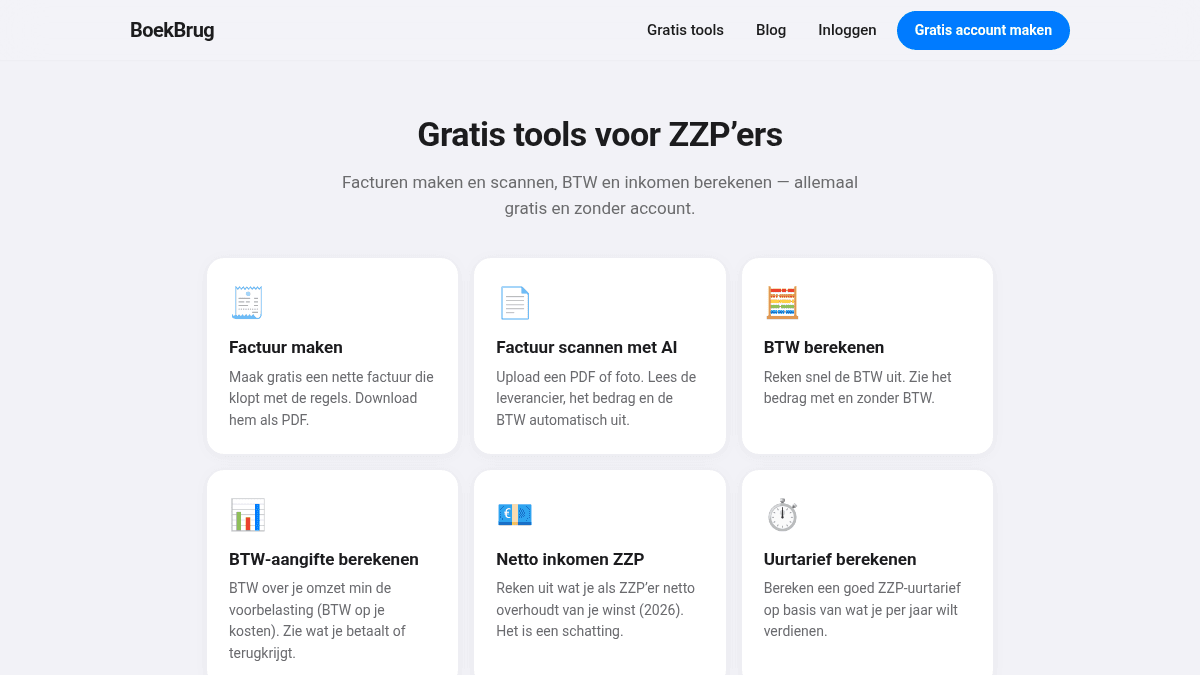
You don't have to choose blind. With BoekBrug you can try the separate tools (making invoices, scanning receipts, calculating VAT) free without an account, and then create a free account with no credit card.
BoekBrug is built around exactly the points above: invoices, scanning, quarterly VAT, your bank and the bridge to your accountant — in plain language, so you actually keep it up. And your data stays yours.
Try it first
The best way to choose bookkeeping software is to try it with your own numbers. Start with the free tools below, or create a free account to put everything in one place.