Bookkeeping in a spreadsheet? When you're better off switching
Almost every freelancer starts with a spreadsheet for their admin. Makes sense: it's free and familiar. But a spreadsheet has limits. Here's when it's enough, and when you save yourself time and mistakes by switching.
When a spreadsheet works fine
- You have few invoices a month.
- You have no staff and a simple situation.
- You don't mind tracking your VAT and numbering yourself.
In that case a neat sheet can get you quite far.
When a spreadsheet starts working against you
- You retype receipts — that costs time and often goes wrong.
- You have to watch the invoice rules yourself (numbering, VAT), and sometimes forget.
- You spend hours searching for your figures at quarter-end.
- You're not sure who has already paid.
- Your accountant gets a messy sheet and charges extra hours.
Recognise this? Then a spreadsheet costs you more than it gives.
What a tool does instead
Good admin software takes over the boring work:
- Scan receipts instead of retyping.
- Invoices that are automatically correct and numbered.
- Quarterly VAT added up automatically.
- Match your bank statement to your invoices, so you see who has paid.
- Share with your accountant without hassle.
How to switch easily
Switching doesn't have to be a big project. Just start from today: capture your new invoices and receipts in the tool, and leave your old spreadsheet for the past.
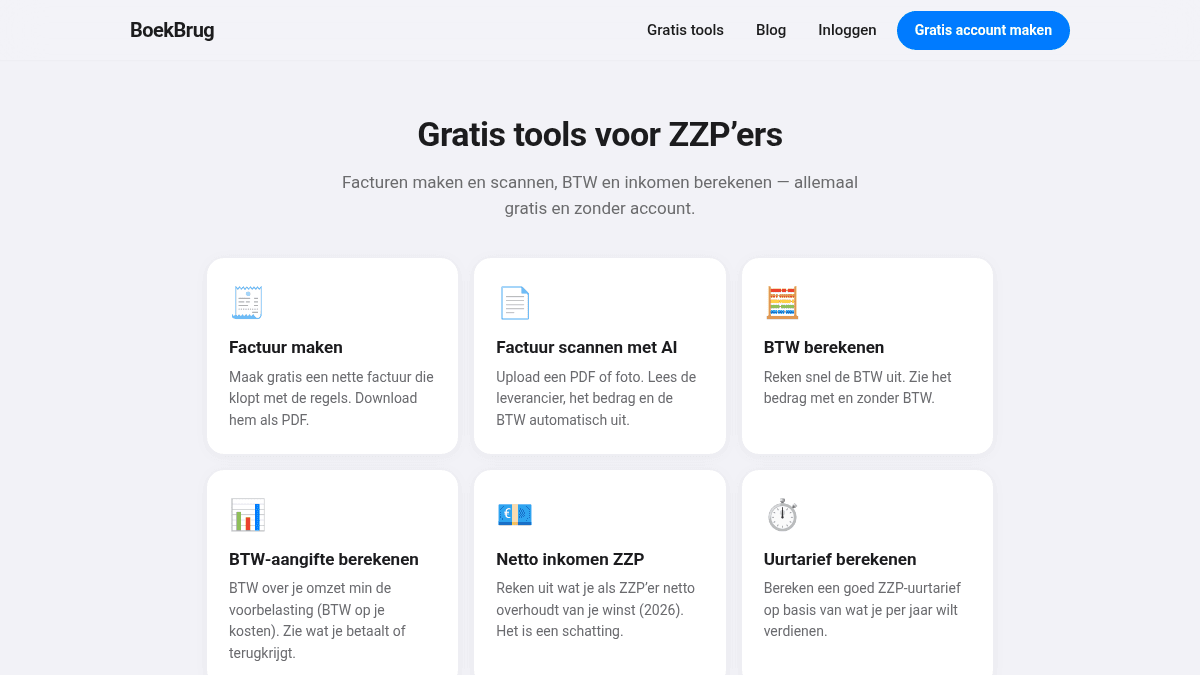
With BoekBrug you can try the tools free (no account) and then create a free account with no credit card. So you feel for yourself whether it saves you time.
Try the scanning below, or create a free account to switch.