Lesson 1: Set up your account and company details in BoekBrug
14 July 2026 · 1 min read · by BoekBrug
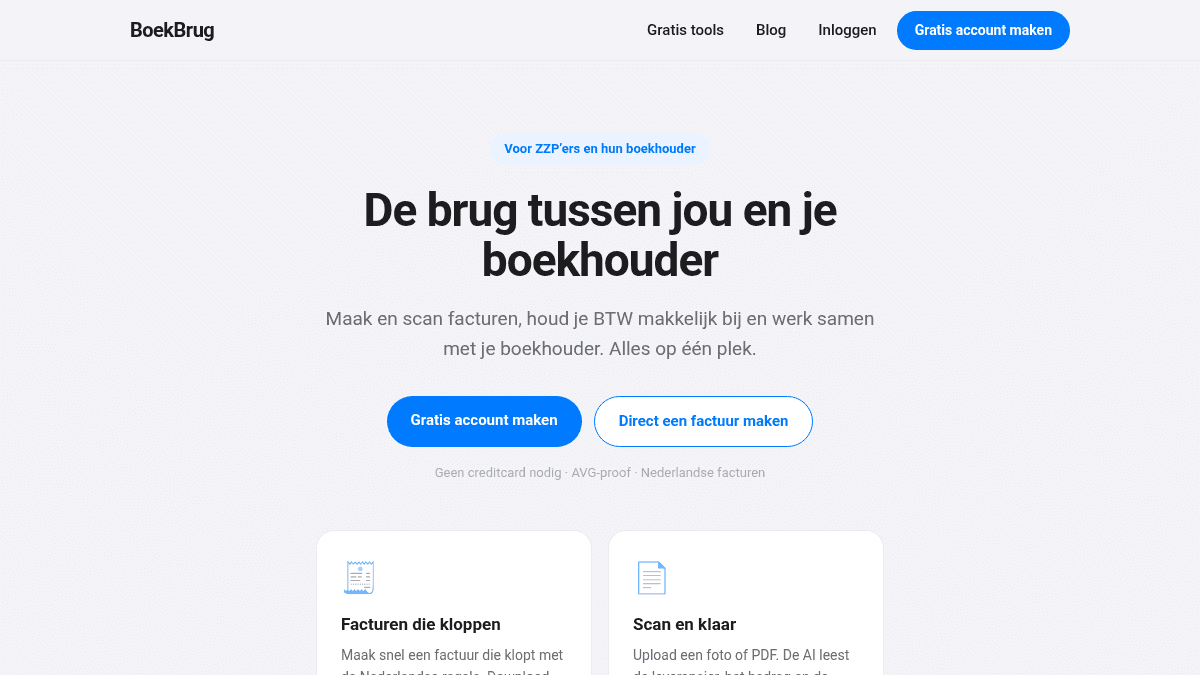
Welcome to the first lesson. Before you can make invoices, you set your company details once. After that, you never have to think about it again.
What you learn
Create your account and fill in your company details, so you're ready to invoice.
Steps
- Go to Create account and choose that you are a freelancer (ZZP'er).
- Create your account with your email and password (or with Google).
- Go through the short setup wizard. Fill in your company details: your name, KvK number, VAT number (btw-id), IBAN and address.
- Made an invoice before? You can upload a photo/PDF of it and BoekBrug reads your details automatically — saving you typing.
- Set your invoice-number starting point (for example 2026-001). Note: this locks once your first invoice is sent.
Tip
Something wrong later? You can always adjust your company details under Settings › Your profile. Your data stays yours, and you can export it or delete your account at any time.
Done? Continue to Lesson 2 — Add your clients.