Extra lesson: Incoming invoices automatically via Gmail in BoekBrug
14 July 2026 · 1 min read · by BoekBrug
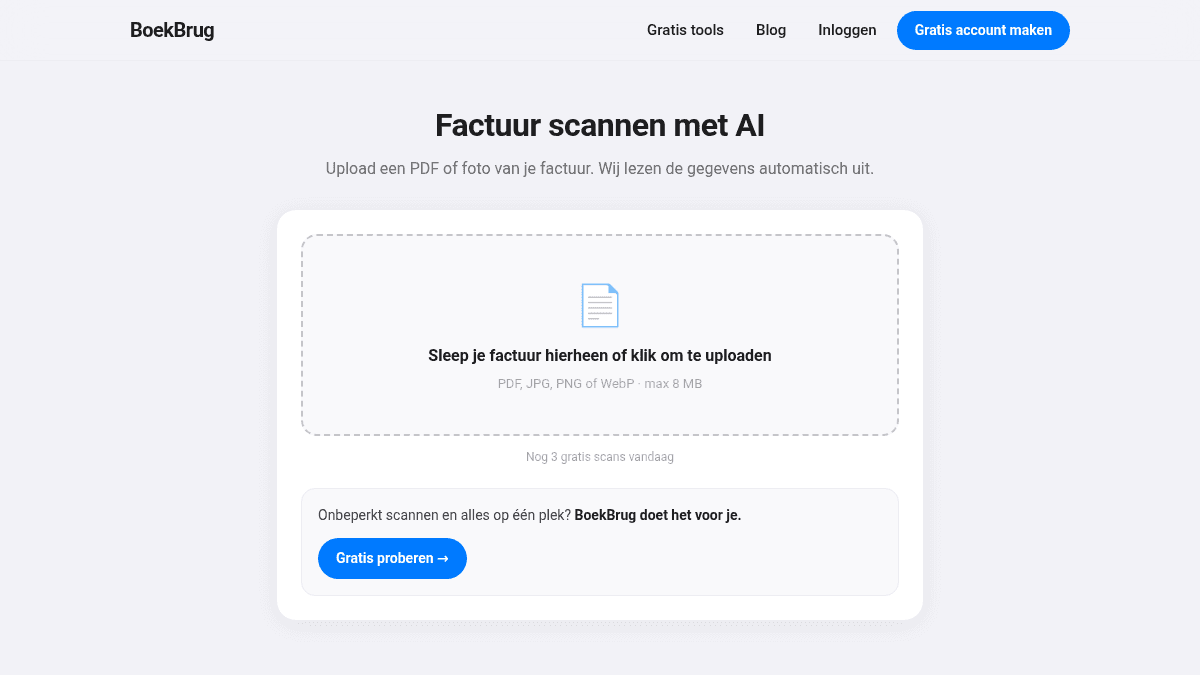
Many cost invoices arrive by email. Connect your Gmail and they appear in BoekBrug automatically — ready to check.
What you learn
Connect your Gmail so incoming invoices arrive automatically.
Steps
- Connect your Gmail via the step in the setup wizard, or later on the Incoming invoices page. This is optional — you decide whether to switch it on.
- BoekBrug pulls invoices from your mailbox and lines them up in Incoming invoices.
- Check the read amounts and process them: mark as paid or leave as an outstanding cost.
Tip
Prefer not to connect a mailbox? Then Incoming invoices simply works with what you upload yourself via + Add (see lesson 5). The connection is a convenience, not a requirement. Read more in Invoices from your inbox.
Back to the course overview.