Filing your income tax return as a freelancer in the Netherlands: step by step
For many starters the income tax return (aangifte inkomstenbelasting) is the scariest moment of the year. It doesn't have to be. If your admin is in order, it is mostly entering and checking. Here is how it works, step by step.
What is it?
With the income tax return you report how much you earned and settle up with the tax office (Belastingdienst). You always file over the previous year. As a private person a lot is pre-filled, but as a freelancer you enter your profit from business (winst uit onderneming) yourself.
Step 1: gather your admin
You need:
- your revenue (all invoices you sent);
- your business costs (with receipts and invoices);
- your business kilometres and other deductible expenses;
- your personal details (partner, mortgage, savings) — often already pre-filled.
Step 2: work out your profit
Your profit is simple: revenue minus business costs. Tax is calculated over that profit — not over your whole revenue.
Step 3: enter the entrepreneur deduction
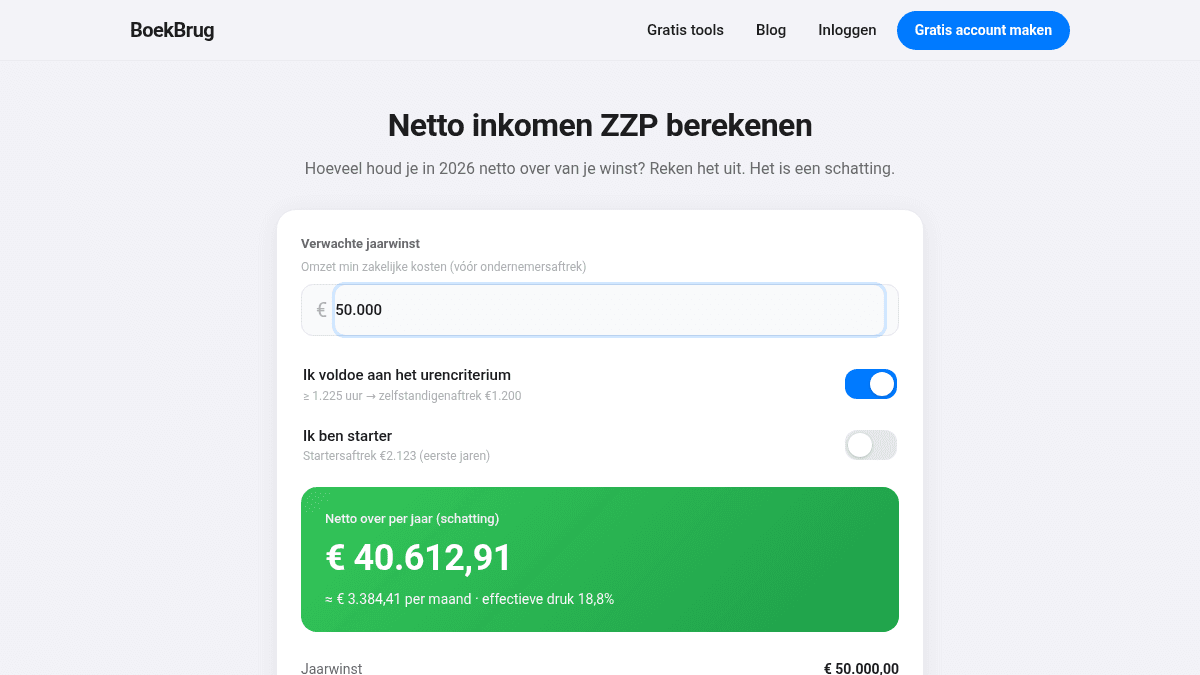
Do you meet the hours criterion (1,225 hours)? Then enter the self-employed deduction (€ 1,200), and as a starter the starter's deduction (€ 2,123). The SME profit exemption (12.7%) is calculated afterwards. These deductions lower your taxable profit substantially.
Step 4: check and submit
You log in with DigiD, check the pre-filled data, add your business, and submit. You then get a (provisional) assessment: you either pay extra or get money back.
When is the deadline?
- The return must normally be in before 1 May.
- Won't make it? Request an extension before 1 May, usually to 1 September.
- If you work with an accountant or tax adviser, they can often arrange a longer extension.
Prefer to pay in instalments? Request a provisional assessment (voorlopige aanslag), so you pay in monthly parts during the year instead of one bill afterwards.
How BoekBrug helps
The return is easy when your figures are already correct all year. In BoekBrug you keep your invoices, scan your receipts, and your revenue and costs are ready to go. You can export everything or share it with your accountant through the Bridge — they then file the return with all the documents at hand.
Curious what you keep at the bottom line? Calculate your net income below, or make a free account to keep your admin in order from the start.