Make a free invoice as a freelancer in the Netherlands (no software, no hassle)
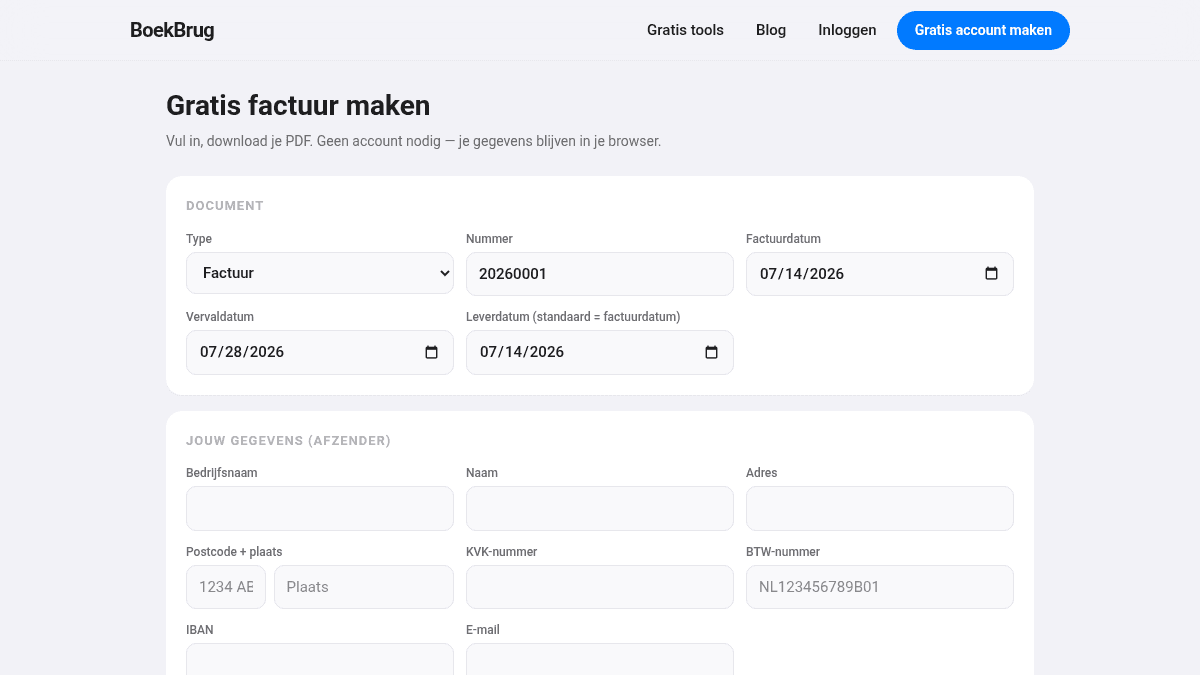
Want to quickly make a free invoice that meets the Dutch rules? You can do it right away, without expensive software and without an account. You fill in your details, download the PDF, and send it. Done.
Why not just use Word or Excel?
You can make an invoice in Word, but then you have to watch all the requirements yourself: a unique invoice number, your VAT number, your Chamber of Commerce number, the right VAT. Forget something and the invoice isn't complete, and your client sometimes can't deduct the VAT. A free invoice tool does that work for you.
How to make a free invoice
- Fill in your details — your name, address, VAT number and Chamber of Commerce number.
- Fill in the client — name and address.
- Add the lines — what you delivered, the amount and the VAT rate.
- Download the PDF — a neat invoice, ready to send.
The tool makes sure the required fields are on it, so your invoice meets the Dutch rules. Want to know exactly what's required? See what a Dutch invoice must include.
Free, and no account needed
BoekBrug's invoice tool is free and you don't have to sign up for anything. Handy when you quickly need one invoice.
Want more? Then create a free account (no credit card needed). Every invoice then gets the correct, consecutive number automatically, you can send invoices straight away, see which are paid, and share everything with your accountant.
Make your free invoice below.