How to make a credit note: when and how (with example)
Made a mistake on an invoice, or is your client returning something? Then you don't just edit the invoice — you send a credit note (creditnota). Here's what that is and how to do it, simply.
What is a credit note?
A credit note (also called a credit invoice) is a kind of negative invoice. It corrects an earlier invoice, fully or partly. You leave the sent invoice as it is; with the credit note you (partly) undo the amount.
Why not just delete the invoice? Because a sent invoice is part of your records. You may not simply remove it. You correct it neatly with a credit note — so your numbering and your VAT stay correct.
When do you send a credit note?
- You invoiced a wrong amount or wrong VAT.
- Your client returns something or cancels.
- You give a discount afterwards.
- There's a mistake in the invoice (wrong client, wrong date).
What must a credit note include?
Almost the same as a normal invoice, plus a reference to the original invoice:
- The word credit note and its own unique number.
- A reference to the invoice you're correcting.
- The (negative) amount and the VAT.
- Your details and your client's details.
An example
You sent invoice 2026-014 for € 500 + € 105 VAT. The amount was wrong: it should have been € 400. You then send a credit note that reverses the € 500 + VAT, and a new invoice for the correct amount. Your client sees exactly what happened.
How to make a credit note in BoekBrug
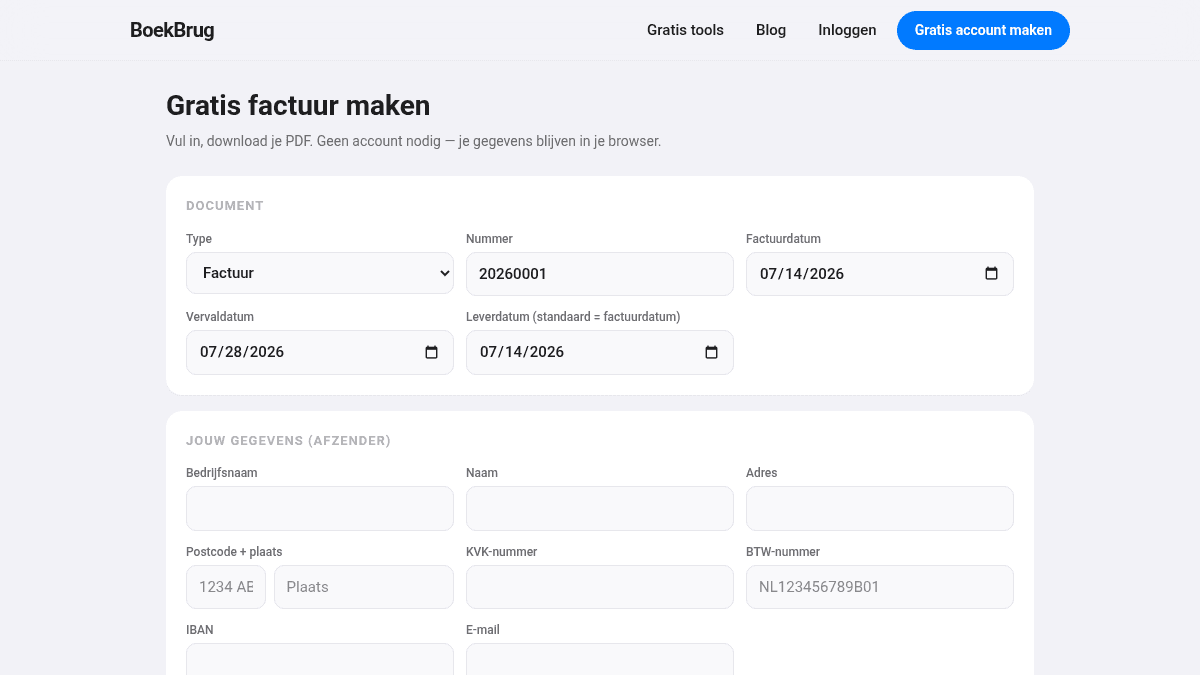
In BoekBrug you turn an existing invoice into a credit note in one click. It automatically gets its own consecutive number and references the original invoice. So you don't have to puzzle over numbers or VAT — it's correct straight away.
Want to make a normal invoice first? You can, free, below.