How to write a quote (offerte) as a freelancer in the Netherlands
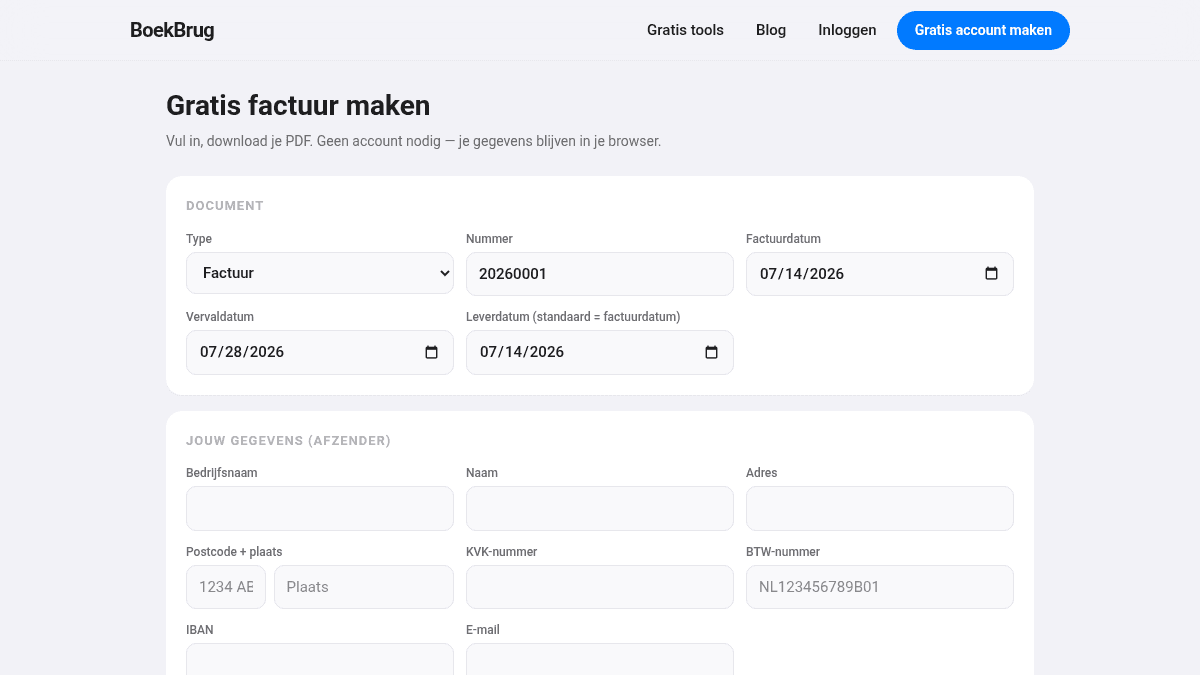
Before you win a job, you often send a quote (offerte) first: a proposal of what you will do and what it costs. A clear, professional quote is the difference between "yes" and "we'll think about it". Here is how to write one.
Quote or invoice — what's the difference?
People sometimes mix them up:
- A quote (offerte) is sent beforehand. It is a proposal: this is what I'll do, this is the price, this is how long the offer is valid.
- An invoice (factuur) is sent afterwards, once the work is done or delivered. That is the bill that must be paid.
So the order is: quote → agreement → do the work → invoice.
What belongs on a quote?
Include at least:
- your business details (name, address, KVK number) and the client's details;
- a clear description of the work or delivery;
- the price, and whether it is including or excluding VAT;
- the validity period ("this quote is valid until ...");
- any conditions, the payment term, and the expected delivery time.
A quote is usually not legally required, but it prevents misunderstandings — which saves hassle later.
Tips to make your quote win
- Be concrete. Break big jobs into parts with prices. That builds trust.
- Offer choices. A basic and an extended option helps the client choose "which", not "whether".
- Add a validity period. It gives a reason not to wait forever.
- Follow up. Heard nothing after a week? Send a friendly note. Many jobs come in after one reminder.
- Keep it simple and tidy. A clean layout signals professionalism.
From quote to invoice
Once the client agrees and the work is done, turn your quote into an invoice. Make sure the invoice has the same description and price as the quote — then expectations match.
How BoekBrug helps
Job won and work done? Then in BoekBrug you create, in a few clicks, a tidy invoice that meets all the requirements, with your logo and details on it. You send it straight away and track whether it's paid — so a successful quote actually turns into money on time.
Create your invoice for free below, or make a free account to track your invoices and payments.