Scanning invoices with AI: how it works and what it saves you
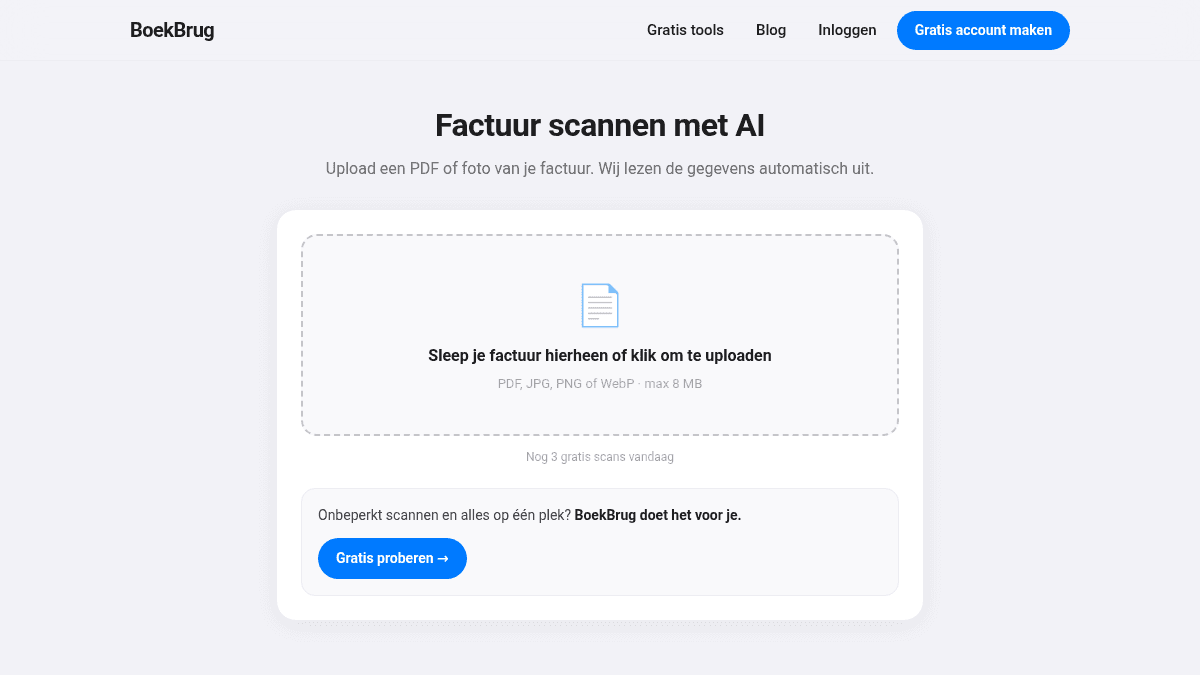
Retyping receipts is boring work. And every receipt you lose is VAT you don't get back. Invoice scanning solves both: you take a photo, and the AI pulls the key details out automatically.
Here's how it works, simply.
What does the scan do?
You upload a photo or PDF of an invoice or receipt. The AI reads the text and recognises the key fields:
- the supplier (who the invoice is from),
- the amount,
- the VAT,
- and often the date too.
So you don't type anything. You just check it's correct and save it.
Why is that useful?
- You save time. No more copying numbers from a receipt.
- You make fewer mistakes. Retyping often goes wrong; the scan reads it as written.
- You don't miss VAT. You capture every receipt right away, so you don't forget a deduction.
- Everything is digital and together. Handy for the 7-year retention rule.
Do it right away, not at year-end
The biggest win is capturing immediately. Get a receipt at the till? Take a photo straight away. That way you build a complete admin all year, without it feeling like work.
Always check it
The AI is fast and accurate, but it's still smart to check the read-out details. See an amount that's off? Fix it before you save. That keeps your admin reliable.
How it works in BoekBrug
In BoekBrug you open the scan, take a photo or upload a PDF, and the AI fills in the supplier, amount and VAT for you. You confirm, and the receipt sits neatly with your other documents. Together with your invoices and your bank statement, your whole admin is in one place.
Try it free below — you don't need an account.