How to file your Dutch VAT return: a simple step-by-step (2026)
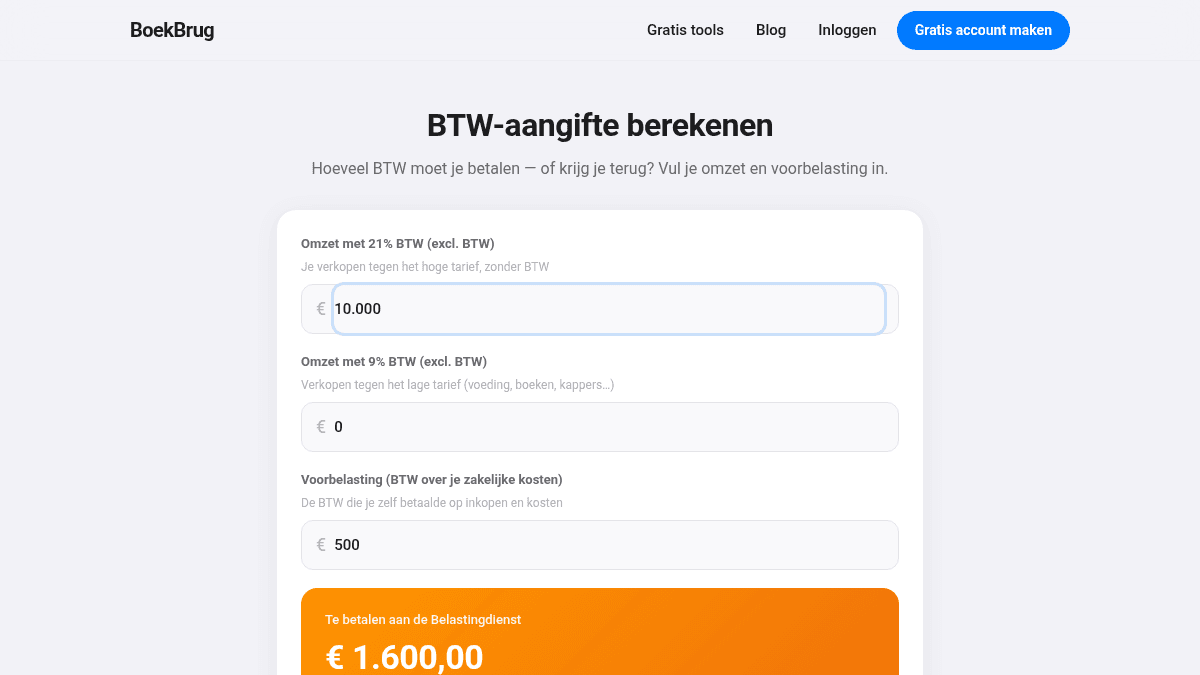
VAT (in Dutch: btw) sounds complicated, but it is simple once you know the steps. You add up the VAT your clients paid. You subtract the VAT you paid yourself. The difference you pay — or get back.
Let's walk through it calmly.
What is a VAT return?
VAT is a tax on goods and services. As a business you charge VAT to your clients (usually 21%). That VAT is not yours — you must pass it on to the tax office (Belastingdienst).
But you also pay VAT yourself, on your business costs. You can claim that back. This is called input VAT (voorbelasting).
Most freelancers file every quarter (every three months).
Step 1 — Add up the VAT on your sales
Add up all the VAT you charged clients during the quarter. This is the VAT you must pay.
Example: you invoiced € 10,000 with 21% VAT. That is € 2,100 in VAT.
Step 2 — Add up your input VAT
Add up all the VAT you paid yourself on business costs: laptop, software, office supplies, and so on. This is the VAT you get back.
Example: you bought € 2,000 of goods with 21% VAT. That is € 420 input VAT.
Step 3 — Subtract and see the result
Now subtract the input VAT from the VAT on your sales:
| Amount | |
|---|---|
| VAT on your sales | € 2,100 |
| Less: input VAT | − € 420 |
| To pay | € 1,680 |
Is your input VAT higher than the VAT on your sales? Then you get money back. This often happens in a quiet quarter or when you made big purchases.
Step 4 — File on time
You file online, through the Belastingdienst or through software. Do it on time — usually within one month after the quarter. Late means a fine.
Tip: set the amount to pay aside as soon as you know it. Then there is never a surprise.
The rates in short
- 21% — the standard rate for most goods and services.
- 9% — the low rate, for example food, books and some services.
- 0% or exempt — for certain cases, such as exports or the KOR scheme.
In BoekBrug your VAT is always ready
The hardest part of a VAT return is the record-keeping. In BoekBrug your sales and VAT are added up per quarter automatically. Upload your bank statement and BoekBrug matches payments to your invoices. So your return is as good as done.
Want to know quickly what you owe? Use the free calculator below.
Important
This is a general explanation, not tax advice. Unsure about your situation or your deadlines? Check the Belastingdienst website or ask your bookkeeper.