Invoicing software for freelancers: what to look for (and start free)
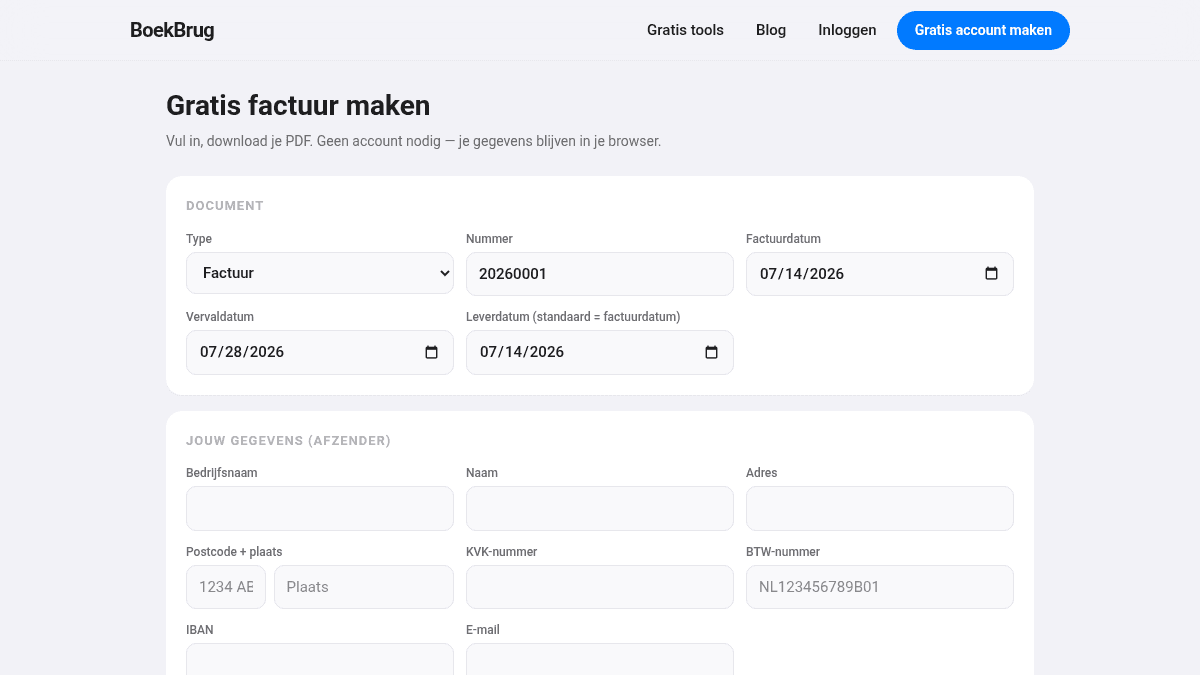
Making invoices by hand in Word works, until you have ten a month. Then you want invoicing software that takes the work off your hands. But what should you look for? And can you start free?
What to look for in invoicing software
- Correct invoices. The software automatically makes sure the required fields (VAT number, Chamber of Commerce number, unique number, VAT) are on it.
- Automatic numbering. Every invoice number is unique and consecutive, without you tracking it.
- Send straight away. Send your invoice by email from the software.
- See who has paid. Upload your bank statement and you see which invoices are open and paid.
- Credit notes. Correct a mistake in one click.
- Share with your accountant. So handing over is no hassle.
- Your data is yours. Can you export everything and delete your account? Important.
Start free, no credit card
You don't have to pay to get started. With BoekBrug you make free invoices, and you can create a free account with no credit card. So you try it calmly before you decide anything.
In BoekBrug you get exactly the points above: correct invoices with automatic numbering, sending straight away, seeing what's paid via your bank statement, credit notes in one click, and sharing with your accountant through the bridge. And your data stays yours (export or delete anytime).
Try it first
The best way to choose invoicing software is simply to try it. Make a free invoice below — no account needed. Like it? Then create a free account for the rest.