What does your accountant need from you? The complete checklist
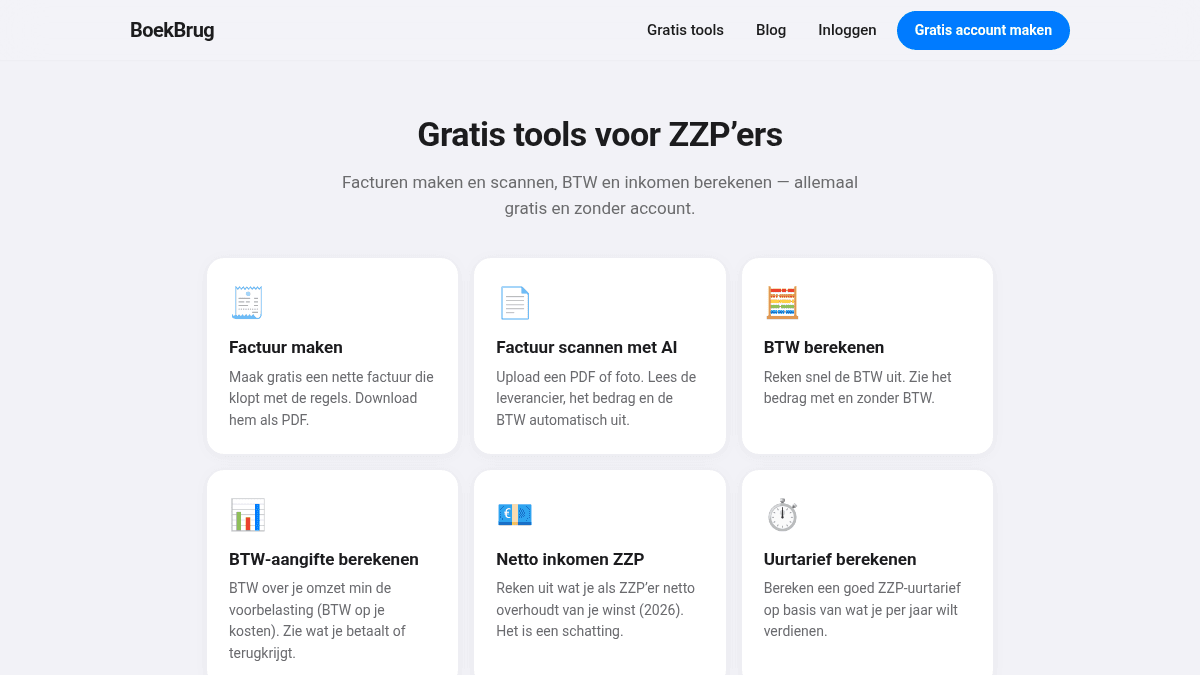
Your accountant can only start once you hand over your records. Give them a shoebox full of receipts and the sorting takes a lot of time — and you pay for that time. Hand over everything neatly and complete, and your accountant is faster and cheaper.
Here's exactly what your accountant needs.
The checklist: what you hand over
- Sales invoices — all the invoices you sent.
- Purchase invoices and receipts — everything you bought for the business.
- Bank statements — from your business account, over the whole period.
- VAT returns — if you already filed them yourself.
- Cash records — if you work with cash.
- Opening balance — for the first year, or last year's figures.
For the annual accounts your accountant wants this over the whole year. For the VAT return usually per quarter.
The biggest time-waster: scattered records
The problem is almost never that you're missing something. The problem is scattering: invoices in your email, receipts in a drawer, statements in your banking app. Your accountant then has to gather it all and check it's complete. That's expensive.
The fix is simple: keep everything in one place all year. Then handing over is a matter of sharing, not days of sorting.
Hand over neatly in one go with BoekBrug
BoekBrug is called "the bridge between you and your bookkeeper" for a reason. Everything you need to hand over is already together:
- Your invoices and receipts are digitised in one place. You scan receipts with your camera; the AI reads the supplier, amount and VAT.
- Your bank statement is connected, so payments are already matched to your invoices.
- At year-end a complete package is ready for your accountant.
- You share it straight with your accountant through the bridge — no more emailing folders full of PDFs. Your accountant sees what's needed and can ask questions via messages.
- Exporting invoices as UBL (e-invoice) is possible too, so they load cleanly into your accountant's software.
And your data stays yours: you can export or delete everything at any time (GDPR-proof).
That saves you and your accountant time — and so money.
Start collecting today
Don't wait until just before the deadline. From now on, capture every receipt and invoice right away. Try the scanning below, or create a free account and invite your accountant.