Extra lesson: Making quotes and credit notes in BoekBrug
14 July 2026 · 1 min read · by BoekBrug
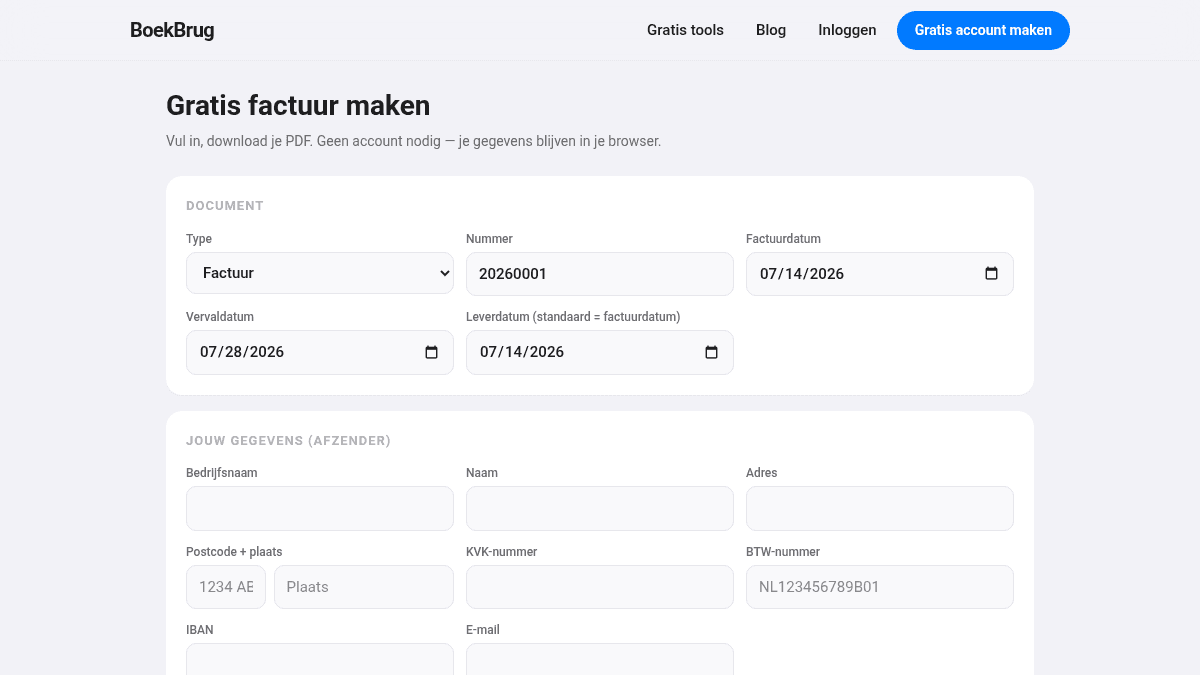
Two handy extras around your invoices: the quote (beforehand) and the credit note (to correct).
What you learn
Convert a quote to an invoice, and make a credit note.
Making a quote and converting it
- Go to New invoice and choose the type quote.
- Fill in the same lines as for an invoice and send the quote to your client.
- Agreed? Convert the quote to an invoice with one click — the details stay, and the invoice gets its own number.
Making a credit note
- Open a sent or paid invoice under My invoices.
- Choose make credit note. This is a kind of negative invoice that corrects the first one.
- The credit note gets its own number, so your admin stays correct.
Tip
Use a credit note for a mistake or a return — never change an invoice you already sent. More explanation: How to write a quote and How to make a credit note.
Back to the course overview.