Lesson 8: Your result and VAT per quarter in BoekBrug
14 July 2026 · 1 min read · by BoekBrug
Because your invoices, receipts and bank are already in BoekBrug, your VAT and result are as good as done. No more adding up by hand.
What you learn
View and export your figures per quarter.
Steps
- Go to Financial overview (Result). You see your revenue, costs and result, and your VAT: due, input VAT and the balance.
- Open the Quarterly overview for the totals per quarter.
- Ready to hand over? Export a CSV or the complete quarter package (ZIP) for your accountant.
Tip
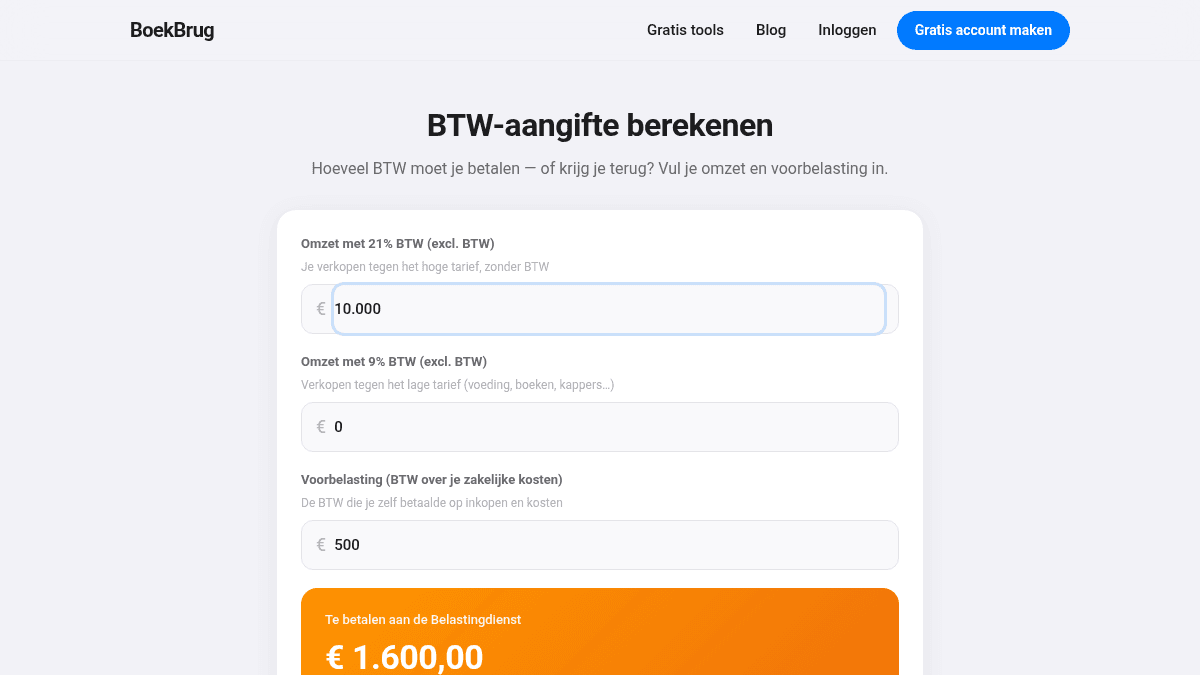
The overview is a handy status through the year. For your official return, use the quarterly overview and the export. Want to check yourself first what you owe or get back? Use the free VAT return calculator. See also Filing your VAT return: step by step.
Done? Continue to Lesson 9 — Work with your accountant.