Lesson 9: Work with your accountant in BoekBrug
14 July 2026 · 1 min read · by BoekBrug
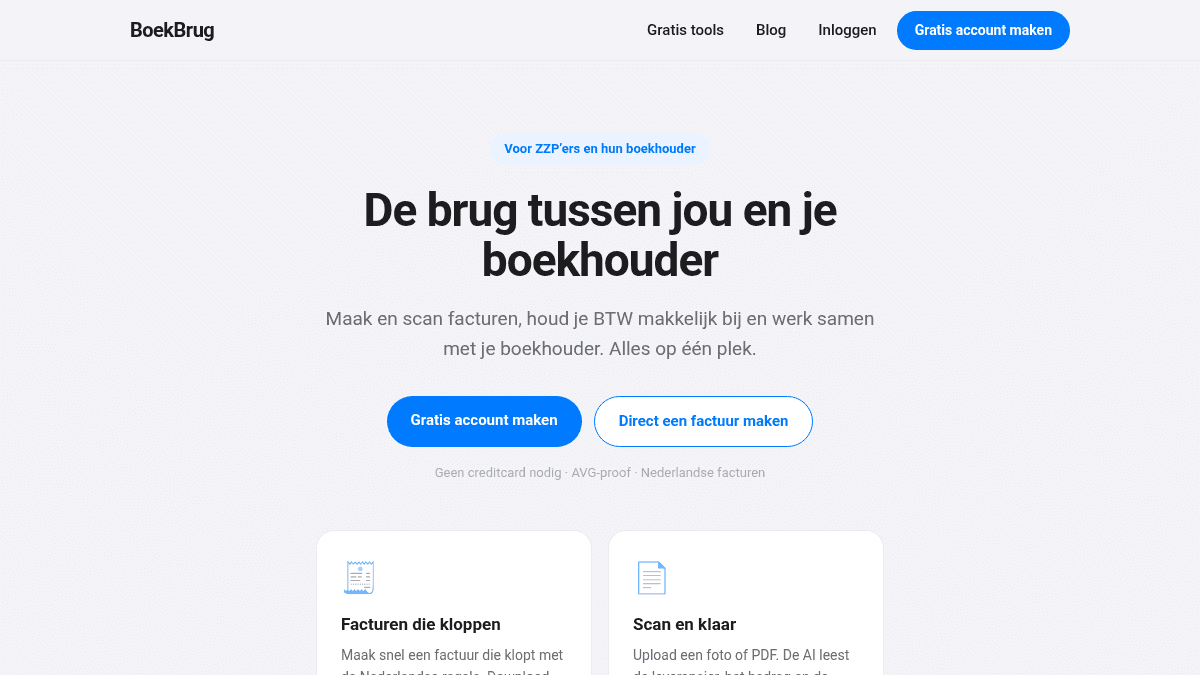
BoekBrug is called "the bridge between you and your accountant" for a reason. Here's how you work together, without emailing folders full of PDFs.
What you learn
Invite your accountant and collaborate through the app.
Steps
- Go to Settings (or use the step in the setup wizard) and invite your accountant with their email address.
- As soon as they accept the invitation, the link is made.
- From then on, your invoices and shared documents flow automatically to your accountant — you don't have to "forward" anything manually.
- Questions or answers? Use Messages in the app, tidily with the right client. No more loose emails.
Tip
You stay in control: you decide what you share, your data stays yours, and you can always break the link. The formal hand-over you do with the quarter package from lesson 8. Read more in Working with your accountant: the Bridge.
That was the core course! Want more? See the extra lessons below: quotes and credit notes and incoming invoices via Gmail.